Search inside documents
Search what your documents say, not just what they are called
FileFlow reads the text inside the PDFs and images you upload with OCR, in Arabic and English, so you reach a document by a word from inside it, by its 10-digit file code, or by its name.
Start free · no credit card required · Arabic and English
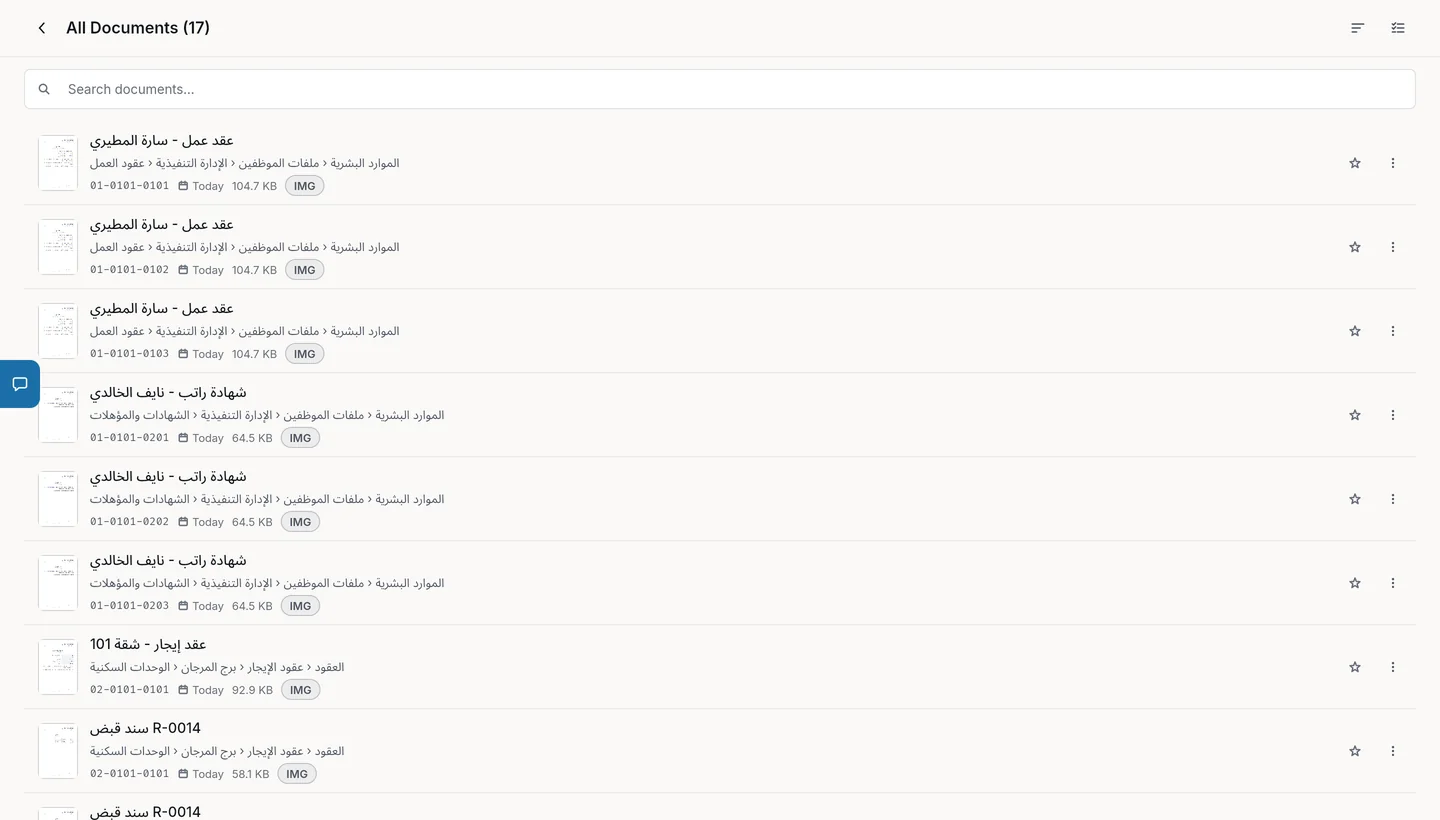
How search works
Upload the document
Upload a PDF or an image to its file in the archive, and it takes its place in the structure under the file's code.
FileFlow reads the text
FileFlow extracts the text written inside the document, in Arabic and English, and keeps it for search.
Search by any word
Type a word from inside the document, the file code or its name, and filter the results by type.
What search finds
A word from inside a document
A contract number, a party's name or a phrase on a scanned page.
The file code
The 10-digit code is the file's place in the structure, so it takes you straight there.
Item names
Projects, subjects, files and documents by name.
Filtered results
Show only projects, subjects, files or documents.
FAQ
Does search find Arabic text inside documents?
Yes. FileFlow extracts text in Arabic and English, so you can search with an Arabic or English word that appears in the document.
Which files can be searched inside?
FileFlow extracts text from PDFs and images such as JPEG and PNG. You can upload and keep other file types in the archive too.
Is text extraction included in every plan?
Yes, each plan includes a monthly number of OCR pages: 3 on the Free plan, 100 on Pro and 500 on Business.