Document expiry reminders
Know when every document expires, before it does
When FileFlow reads a document's text, it spots the expiry and renewal dates written in it, Hijri or Gregorian, and suggests a reminder for each. Confirm the reminder, and it comes up when it is due.
Start free · no credit card required · Arabic and English
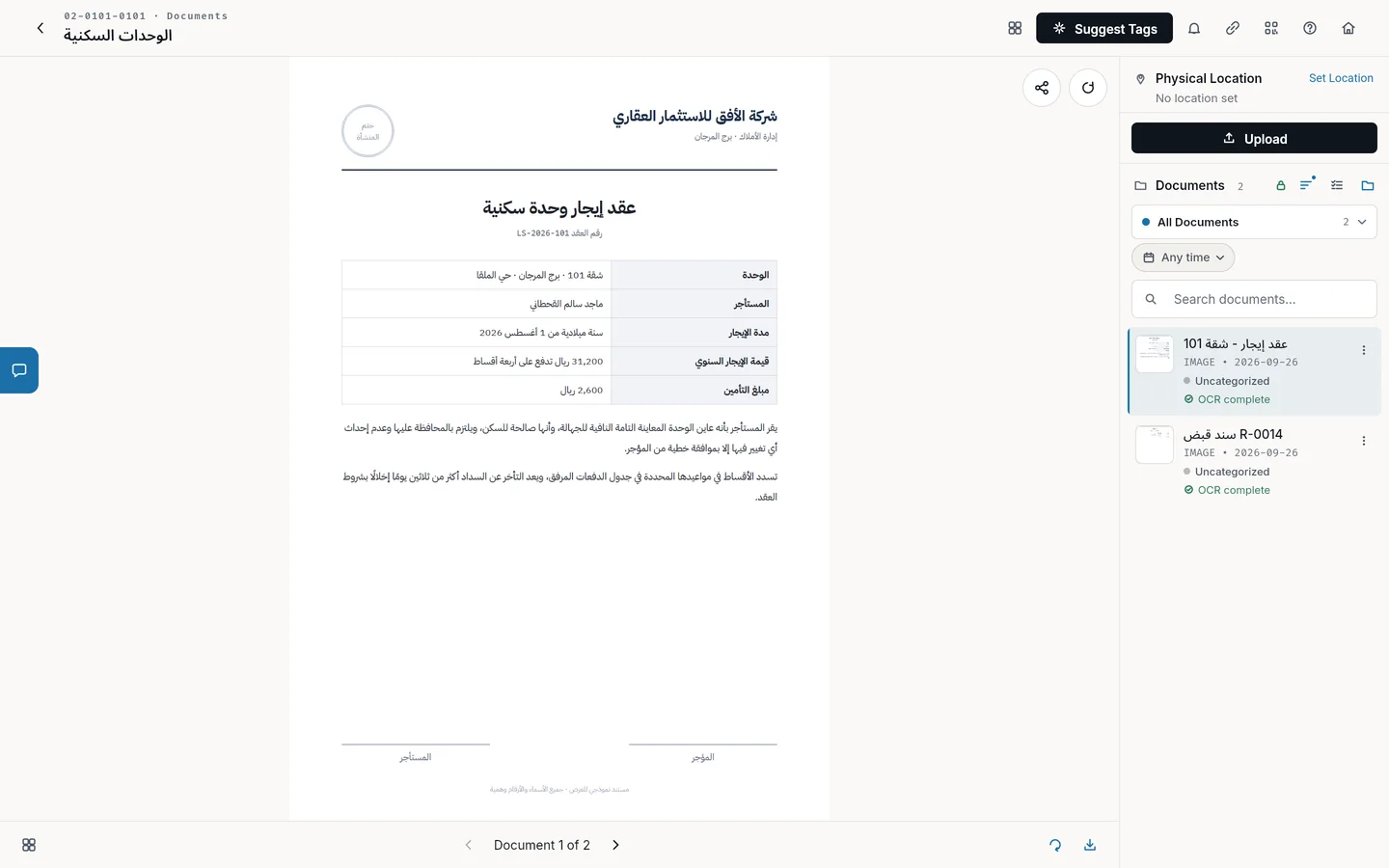
How reminders work
Upload the document
Upload the commercial registration, contract or licence to its file in the archive.
FileFlow suggests reminders
Once the text is read, FileFlow shows you the expiry and renewal dates it found in the document.
Confirm the reminder
Choose the reminders you want and follow them in the reminders list on the home screen.
Documents whose renewal needs following
Registrations and licences
Commercial registrations, municipal licences and membership certificates.
Contracts
Leases, supplier contracts and annual maintenance contracts.
Employee files
Employment contracts, certificates and any document with an expiry date.
Hijri and Gregorian
FileFlow recognises a date written in either calendar.
FAQ
Does FileFlow recognise Hijri dates?
Yes. It recognises expiry and renewal dates written in Hijri or Gregorian inside the document.
Are reminders created automatically?
FileFlow suggests reminders once the text is read, and creates none until you confirm it.
Can I add a reminder myself?
Yes. You can add a reminder to any file and set its date yourself.